
It is 6:40 PM on a Friday. A hungry couple in your neighborhood searches “best Italian restaurant near me” on their phones. Your restaurant shows up — and they tap your website. What happens in the next 20 seconds decides whether you get a table booking or they bounce to the place down the street. In most cases, one of the classic restaurant website design mistakes kills the booking before it starts.
Restaurants live and die by their websites more than almost any other local business. Diners do not just look for your address — they want to see the menu, check prices, read reviews, and book a table in seconds. A clunky website does not just look bad; it sends hungry customers straight to a competitor. This guide covers the seven most damaging restaurant website design mistakes we see in 2026, and exactly how to fix each one.
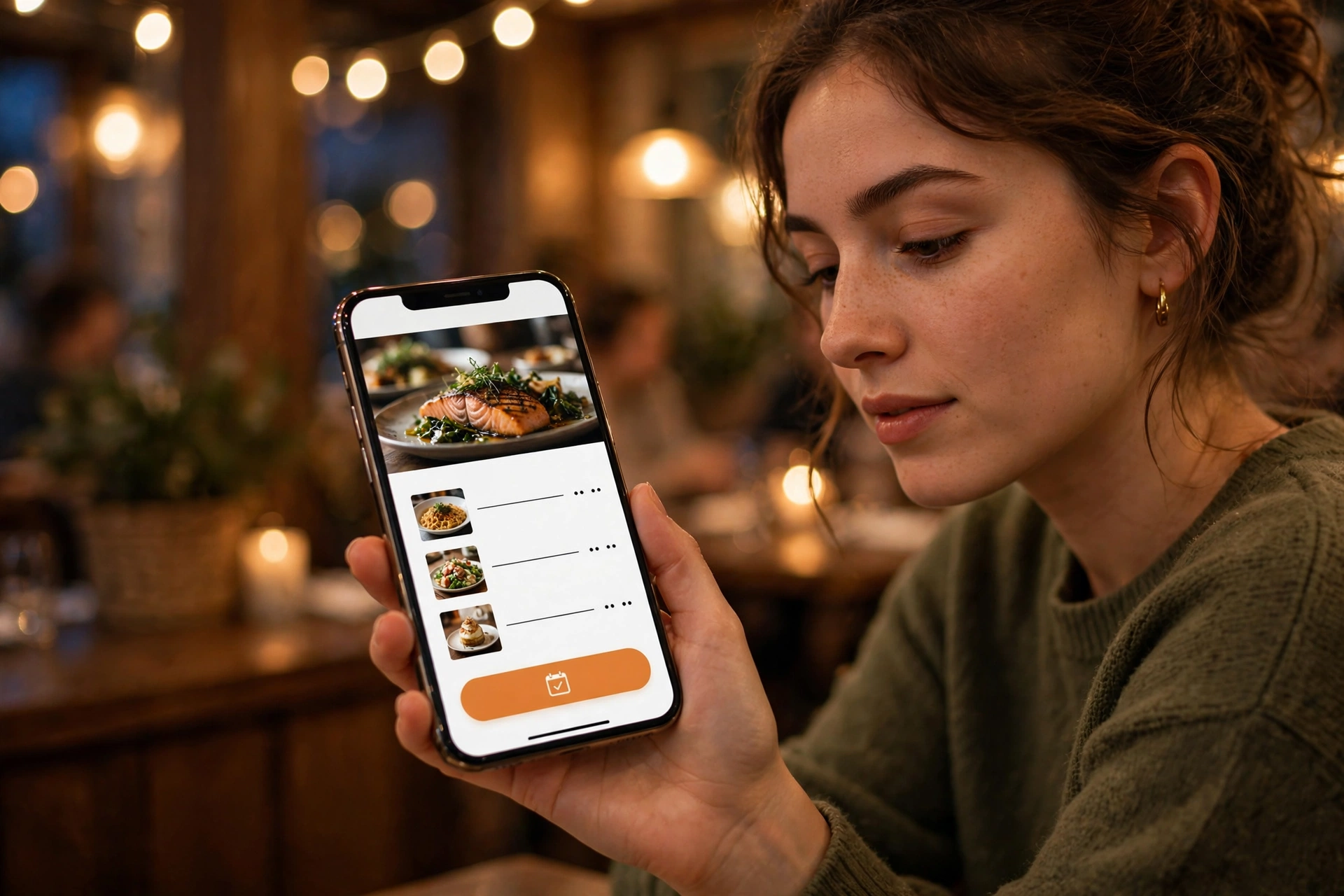
Mistake #1: Your Menu Is a PDF (or Missing Entirely)
The menu is the single most-visited page on any restaurant website, yet it is the one most owners neglect. A scanned PDF of a laminated menu is the worst offender among restaurant website design mistakes. PDFs load slowly on phones, are tiny and hard to read, and cannot be found by Google — a customer searching “chicken marsala near me” will never find a PDF menu.
The fix: Build your menu as a real HTML page with clear sections — starters, mains, desserts, drinks — and real prices. An HTML menu is readable on phones, searchable by Google, and easy for your staff to update when prices change or dishes rotate. Update it seasonally, and mark items that are temporarily unavailable instead of deleting them.
Mistake #2: No Online Reservations (or a Booking Flow That Confuses People)
Diners expect to book in one or two taps. If your site has no reservation option at all, or the “Reservations” link opens a third-party page that looks nothing like your brand and asks for a login, a huge share of potential guests simply give up. This is one of the restaurant website design mistakes that quietly loses the most high-value customers — the ones planning dinner in advance.
The fix: Add a reservation widget directly on your site (OpenTable, Resy, Yelp, or Google Reserve integrations all work), plus keep a phone number visible for people who prefer to call. Put a bright “Reserve a Table” button in the header on every page and in the hero section of the homepage. Confirm the widget works on mobile — most bookings happen there.
Mistake #3: A Website That Falls Apart on Mobile
Over 70% of restaurant searches happen on phones. If your text is microscopic, your buttons are impossible to tap, or your layout breaks on a smaller screen, you have built a wall between diners and your dining room. This ranks high among restaurant website design mistakes because it is completely invisible to owners who only ever check their site on a desktop computer.
The fix: Go mobile-first. Test your site on a real phone, not just your laptop. Buttons should be big enough to tap with a thumb, the phone number should be a one-tap call link, and the address should open in Google Maps with one tap. Everything important — hours, menu, reserve button, call button — must be visible within the first screen.
Mistake #4: Pages That Take Forever to Load
A beautiful homepage full of uncompressed food photos is useless if it takes 6 seconds to load. Hungry people are impatient people. Every extra second of load time increases the chance a visitor leaves before seeing a single dish. Google also factors speed into rankings, so a slow site gets less visibility in local search too.
The fix: Compress every image before uploading (modern WebP formats are much lighter than PNGs), avoid auto-playing video backgrounds, and keep your site on decent hosting. Aim for your homepage to load in under 3 seconds on a phone. Free tools like Google PageSpeed Insights will show you exactly what is slowing things down.
Mistake #5: Hours, Location, and Phone Number Are Hard to Find
This one sounds too basic to matter — but check how many restaurant websites hide their hours three clicks deep, or list a phone number that does not work on mobile. Diners make fast decisions: they want to know if you are open right now, where you are, and how to reach you. Make them hunt for it, and they will eat elsewhere.
The fix: Put your address, hours, and click-to-call phone number in the header or footer of every page, plus a prominent block on the homepage. Double-check that your hours on your website exactly match your Google Business Profile hours — mismatches confuse customers and Google alike. Add holiday hours well before the holidays, not after.
Mistake #6: No Trust Signals — No Reviews, No Real Photos, No Story
People do not just buy food; they buy confidence that they picked the right place. A site with no reviews, no photos of actual dishes, and no sense of who you are feels risky. Among restaurant website design mistakes, this is the silent one: the site works fine, but nothing convinces a first-time visitor to choose you over the place with 800 five-star reviews.
The fix: Showcase your Google reviews on the homepage (a reviews feed builds instant trust), use real photos of your food and dining room — never stock photos of food you do not serve — and add a short “Our Story” section. People love knowing the chef’s name and why you opened. If you have press mentions, local awards, or health inspection scores you are proud of, display them.
Mistake #7: Zero Local SEO Basics
You can have the prettiest website in town and still be invisible. Without local SEO basics — a clear title tag like “Italian Restaurant in Austin | Bella Roma,” your city and cuisine named in the page text, and schema markup telling Google your hours and menu — Google struggles to connect your site with diners searching nearby. Many restaurant website design mistakes are really marketing mistakes wearing a design costume.
The fix: Give every page a unique, keyword-rich title. Mention your neighborhood, city, and cuisine type naturally in your homepage copy. Add structured data (Restaurant schema) so Google can show your hours, price range, and ratings in search results. And keep your Google Business Profile active with fresh photos and weekly posts — it works hand in hand with your website.
How These Mistakes Connect to Real Revenue
Fixing restaurant website design mistakes is not about aesthetics — it is about the numbers at the end of the week. A diner who cannot find your menu, cannot book a table in two taps, or leaves because the page loaded too slowly is not coming back tomorrow. They found a competitor instead, and competitors are one tap away on a phone.
The good news: most of these fixes are straightforward. A professional restaurant website design that covers the menu, reservations, speed, and local SEO typically pays for itself quickly compared to the cost of empty tables. If you are not sure where your site stands, a full audit shows exactly what is broken and what to fix first — see our pricing to understand what a rebuild or a cleanup would cost for a restaurant your size.
Frequently Asked Questions
What is the biggest restaurant website design mistake?
Burying the menu in a PDF or leaving it off the site entirely. The menu is the most-visited page on any restaurant website, and diners who cannot read it on their phones within seconds will pick another restaurant. An HTML menu page with prices is the single highest-impact fix.
How much does a good restaurant website cost?
In 2026, a professional restaurant website typically costs $1,500–$5,000 for a custom build with online reservations, an HTML menu, and local SEO setup, plus $50–$300/month for hosting, updates, and maintenance. Template-based sites cost less but often lack the reservation and SEO features restaurants need.
Do restaurants still need a website if they have Instagram and a Google listing?
Yes. Social media and Google listings get you discovered, but your website is the only platform you fully control. It is where reservations happen, where the full menu lives, and where customers verify you are legitimate before a first visit. Relying only on third-party profiles means their algorithm changes can erase your visibility overnight.
How often should a restaurant update its website?
Update your menu whenever prices or dishes change, post seasonal specials at least quarterly, and refresh photos twice a year. Keep hours current at all times — including holiday hours. A website with a 2022 menu or outdated hours tells diners you do not pay attention to detail, and they assume the same about the kitchen.
The Bottom Line
Your restaurant’s website is your digital front door, open 24/7. Diners decide in seconds whether to walk in. Avoid these seven restaurant website design mistakes — the PDF menu, the missing reservations, the broken mobile experience, the slow pages, the hidden hours, the absent trust signals, and the missing local SEO — and you will convert far more searches into seated guests.
Get a Free Website Audit
Wondering which of these mistakes your restaurant’s website is making? Contact us for a free website audit — we will review your site, your Google presence, and your reservation flow, and tell you exactly what to fix first.
Prefer WhatsApp? Message us at +91 84494 87961 and we will get back to you quickly.